
How Instructional Design and Articulate 360 Transform Training

Transform your training content into memorable learning experiences with instructional design that does more than “inform” — it changes how people think and act. By combining clear learning objectives, engaging narratives, and purposeful interactivity, you can turn PowerPoint decks and subject‑matter expertise into structured journeys that actually move the needle on performance.
As organizations race to reskill teams and keep up with new tools, traditional one‑way training is no longer enough. Learners expect flexible, digital‑first formats that respect their time and attention while still going deep where it matters. Instructional design built in Articulate 360 makes this possible, bringing together storytelling, UX thinking, and data‑driven iteration into a single, cohesive learning ecosystem.

Why Instructional Design Matters
Instructional design is more than “making slides look good”. It is the process of understanding what learners must be able to do, then structuring content, activities, and assessments to get them there efficiently. Thoughtful design reduces cognitive overload, focuses attention on what truly matters, and respects the learner’s time. When paired with the right tools, it turns training from a formality into a performance driver.
The Power of Articulate 360
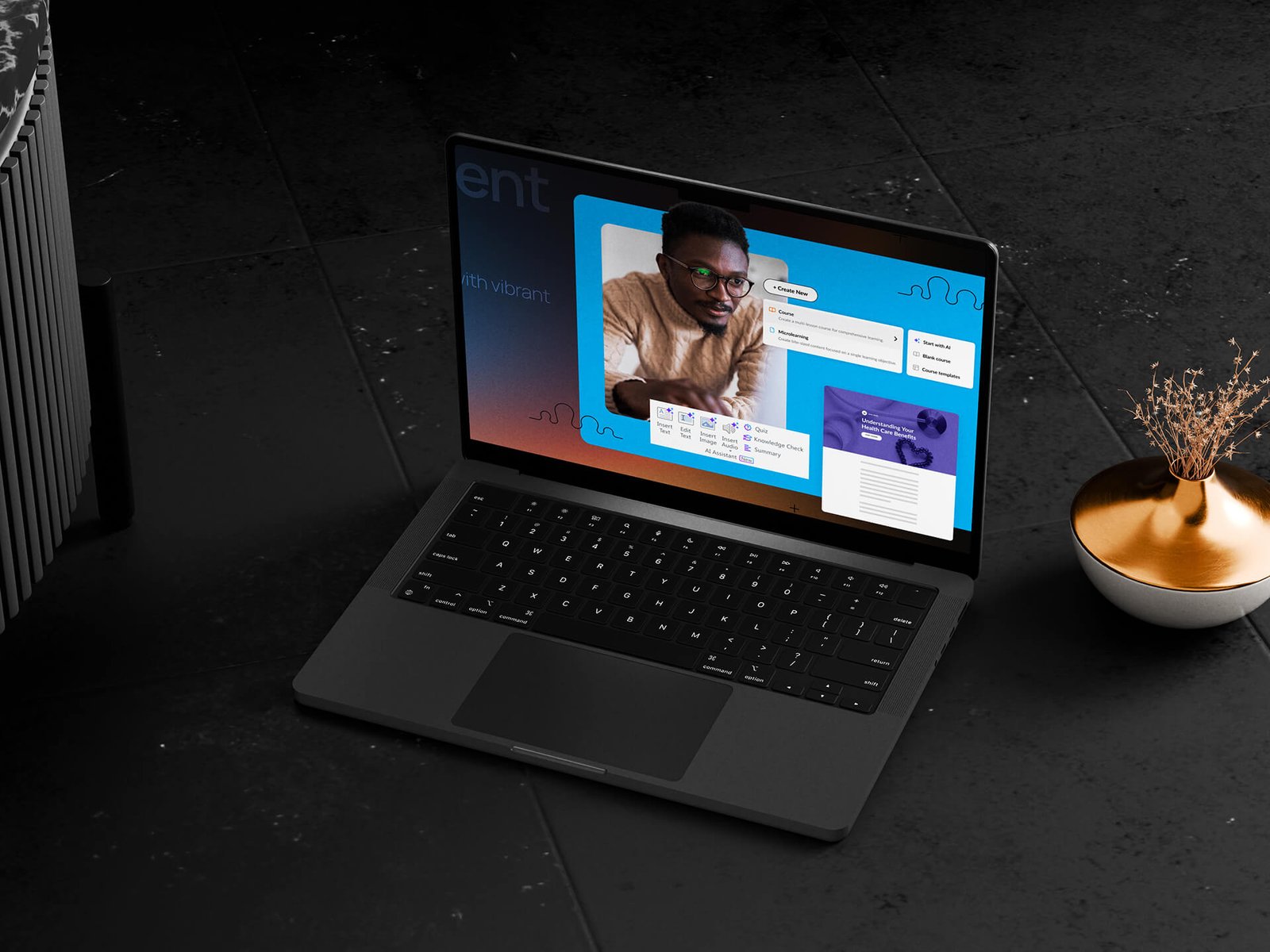
Articulate 360 brings together several apps that cover almost every need in digital learning creation: slide‑based authoring, responsive web‑style courses, screen recordings, and review workflows. Its familiar, PowerPoint‑like interface lowers the barrier for teams who are new to e‑learning, while still offering depth for advanced scenarios such as branching or software simulations. Because everything exports as standard SCORM/xAPI packages, courses integrate well with most learning management systems.
From Raw Content to Learning Journey
Good instructional design starts long before opening Articulate. It begins with clarifying objectives, audiences, and constraints: what must learners be able to do after this course, and what context are they coming from? Only when the learning goals are clear does it make sense to break content into modules, micro‑lessons, and assessments. Inside Articulate, this strategy becomes concrete: scenes mirror modules, slides become steps in a story, and interactions support specific behaviors such as decision‑making or troubleshooting.
Making Interactivity Serve the Message
Articulate 360 makes it easy to add sliders, dials, hotspots, timelines, and scenario‑based questions, but not all interactivity is meaningful. The role of instructional design is to choose only those interactions that clarify a concept or simulate a real‑world choice. Instead of decorating content with clicks, the designer uses interactions to let learners practice judgment, see consequences, and receive timely feedback. This keeps the experience focused and prevents “gamification for its own sake”.
Measuring Impact and Iterating
A well‑designed course is never truly finished; it is iterated. Articulate’s publishing options allow teams to track completion, quiz performance, and sometimes even granular behaviors through their LMS. Combined with learner feedback, these data points show where people get stuck, skip content, or fail assessments. Instructional design turns that insight into action: tightening explanations, re‑ordering modules, or adding micro‑practice where it is most needed. Over time, each iteration moves the course closer to what matters most—measurable change in how people work, not just another item checked off their training list.
Turn Training into Experiences Learners Love
At AU Creative Studio, we love this part of the work. We take your ideas, your expertise, and your rough materials and turn them into engaging Articulate 360 courses and presentations that people actually enjoy. At every stage, we focus on making learning feel smart, human, and genuinely useful — and we are here to help when you are ready to bring your training to that next level.